Short answer
Yes. WinDirStat is free, open-source software under GPL-2.0, maintained by the WinDirStat team on GitHub, and its source contains no telemetry or update checker. It is safe when you get it from GitHub releases, winget, the Microsoft Store or links on windirstat.net. The real risks are look-alike download sites and deleting system files by mistake, and both have simple guards.
How do I check that my WinDirStat copy is safe?
- Use an official channel. Install with winget, the Microsoft Store, the GitHub releases page or a link from windirstat.net.
- Check the file name. The x64 installer is named
WinDirStat-x64.msi; an .exe setup from a download portal is not an official WinDirStat file. - Compare the SHA-256. Run
Get-FileHashon the download and compare it with the digest on the GitHub release. - Keep the delete warnings on. Leave the Recycle Bin and permanent-delete warnings enabled so every delete shows the files first.
- Update from the same channel. Run
winget upgradeor install the next MSI from GitHub so security fixes reach you.
Who makes WinDirStat?
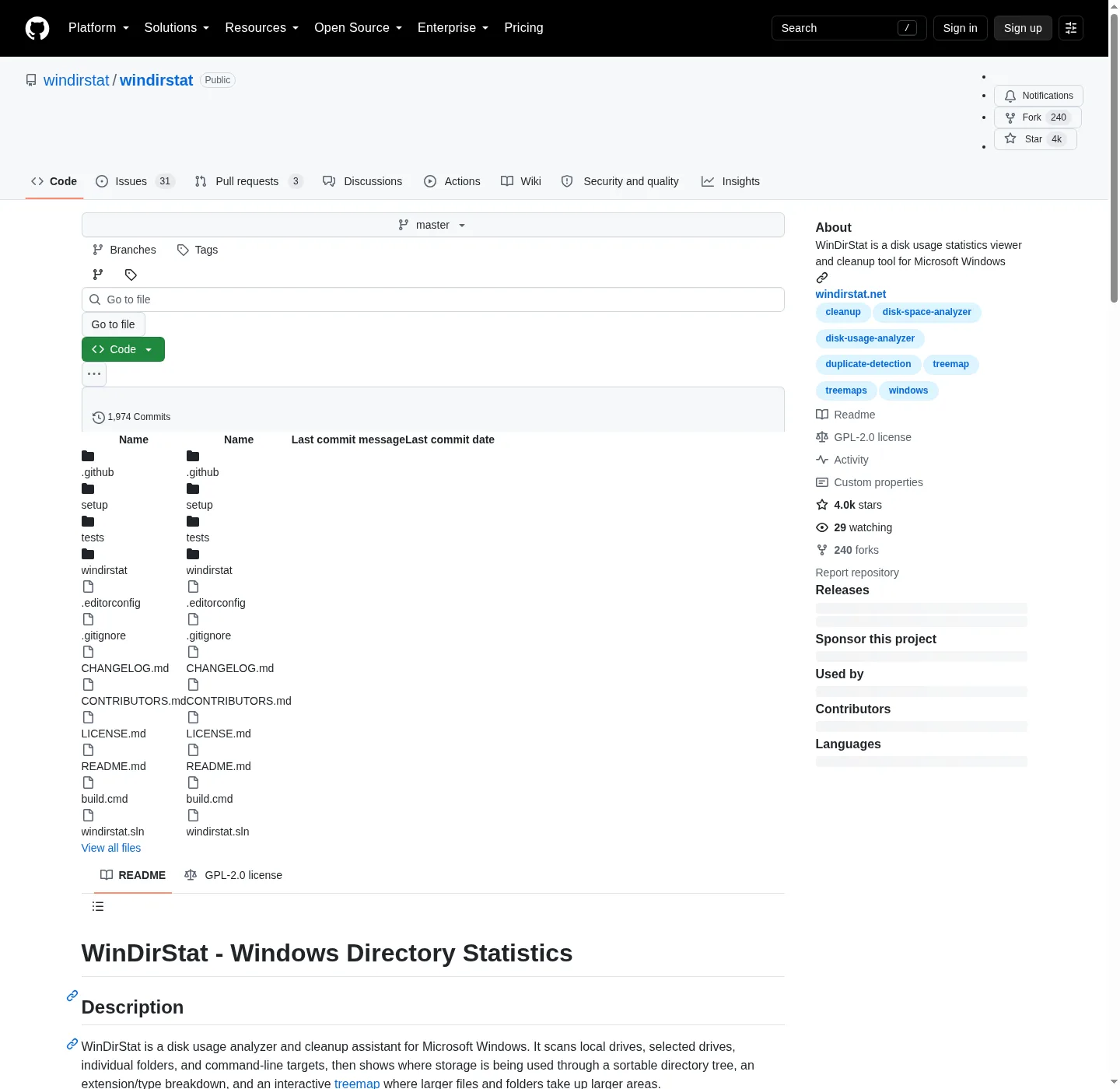
WinDirStat is developed in the open at github.com/windirstat/windirstat by the WinDirStat team. It is based on KDirStat, Stefan Hundhammer’s disk usage tool for Linux, and its About box credits Bernhard Seifert, Oliver Schneider and Bryan Berns as the programmers. The code is licensed under the GNU GPL version 2, so anyone can read it, build it and check what a release does. Each GitHub release lists every file with a SHA-256 digest and adds a WinDirStat-Hashes.txt file with the same values.
Does WinDirStat send my data anywhere?
No. Scanning, hashing and every view run on your PC, and the results stay in memory unless you save them with Save Results To CSV/JSON. A search of the 2.9.0 source finds no update checker, telemetry or HTTP client; the only web addresses in the program are the website, help and bug-report links in the Help menu, which open in your browser when you click them. The one way a scan can cause network traffic is by reading cloud placeholder files, which is why the duplicate scan skips OneDrive-style cloud links by default.
Can WinDirStat damage Windows?
Only through actions you choose. A scan reads the drive and changes nothing. Deleting is the risk: WinDirStat can remove anything your account is allowed to remove, including system files when it runs as administrator. Its warnings list the files and ask for confirmation, and since version 2.8.0 system tools such as DISM cleanup and shadow copy removal ask too. The cleanup guide explains which folders to leave alone.
Has WinDirStat had security fixes?
Yes, and they ship in normal releases, which is why updating matters. Version 2.6.2 hardened WinDirStat against DLL sideloading, where a malicious DLL placed next to a program gets loaded into it; the startup code now limits DLL loading to System32 on Windows 8 and later. Bugs and security issues go to the GitHub issue tracker. For file names, sizes and hashes of the current release, see download WinDirStat safely.
| Question | Answer | Source |
|---|---|---|
| License | GNU GPL v2; logo under CC BY 3.0 | LICENSE.md and README |
| Maker | The WinDirStat team; the About box credits Bernhard Seifert, Oliver Schneider and Bryan Berns | lang_en.txt, About text |
| Official channels | GitHub releases, winget WinDirStat.WinDirStat, Microsoft Store, Chocolatey, Scoop, windirstat.net links | README, Installation and Malware Warning |
| Network use | None in the app's code; Help menu items open github.com and windirstat.net in your browser | Source search at the checked tag |
| Deletes | Warning with a file list before Recycle Bin and permanent deletes, on by default | Options.h |
| Admin rights | Asked for at start, optional; needed only for accelerated whole-drive scans and system cleanups | WinDirStat.cpp, SelectDrivesDlg.cpp |
Read from the windirstat/windirstat source at the checked release tag; see the research notes linked from the About page.
Frequently asked questions
Why does my antivirus flag a WinDirStat download?
A file from an unofficial mirror can be bundled or modified, so treat that alert seriously and delete the file. For a file from the GitHub release, compare its SHA-256 with the digest GitHub shows; if it matches, the alert is a false positive, which you can report to the antivirus vendor.
Are other WinDirStat download sites official?
Only windirstat.net and the windirstat GitHub organization are run by the team. The README warns that popular demand has produced sites that copy the name and branding, may serve outdated or modified files, and are not operated by the WinDirStat team.