Short answer
The winget id for WinDirStat is WinDirStat.WinDirStat. Install it with winget install -e --id WinDirStat.WinDirStat, update it later with winget upgrade -e --id WinDirStat.WinDirStat, and remove it with winget uninstall. The package downloads the official MSI from GitHub and refuses to run it unless its SHA-256 matches the manifest.
How do I manage WinDirStat with winget?
- Open a terminal. Right-click Start and choose Terminal, or press Win+R for a one-off command.
- Check the package. Run
winget show -e --id WinDirStat.WinDirStatand confirm the publisher is WinDirStat Team and the installer URL is on github.com/windirstat. - Install it. Run the install command from the table and approve the User Account Control prompt.
- Confirm the version. Run
winget list -e --id WinDirStat.WinDirStatto see the version Windows now has. - Upgrade from the same place. When a release is out, run the upgrade command, or
winget upgrade --allto update every package winget manages.
What does the WinDirStat winget package install?
The manifest describes a WiX MSI with machine scope, one installer per architecture, all downloaded from the WinDirStat GitHub release. winget picks the x64, ARM64 or x86 MSI to match your PC and records %ProgramFiles%\WinDirStat as the default location (%ProgramFiles(x86)% for the x86 build). Because it runs the MSI silently, you get the installer defaults: the folder and drive right-click entry is on, and the desktop shortcut and PATH entry are off. The Windows install guide explains those three options.
Does the winget file match the official GitHub file?
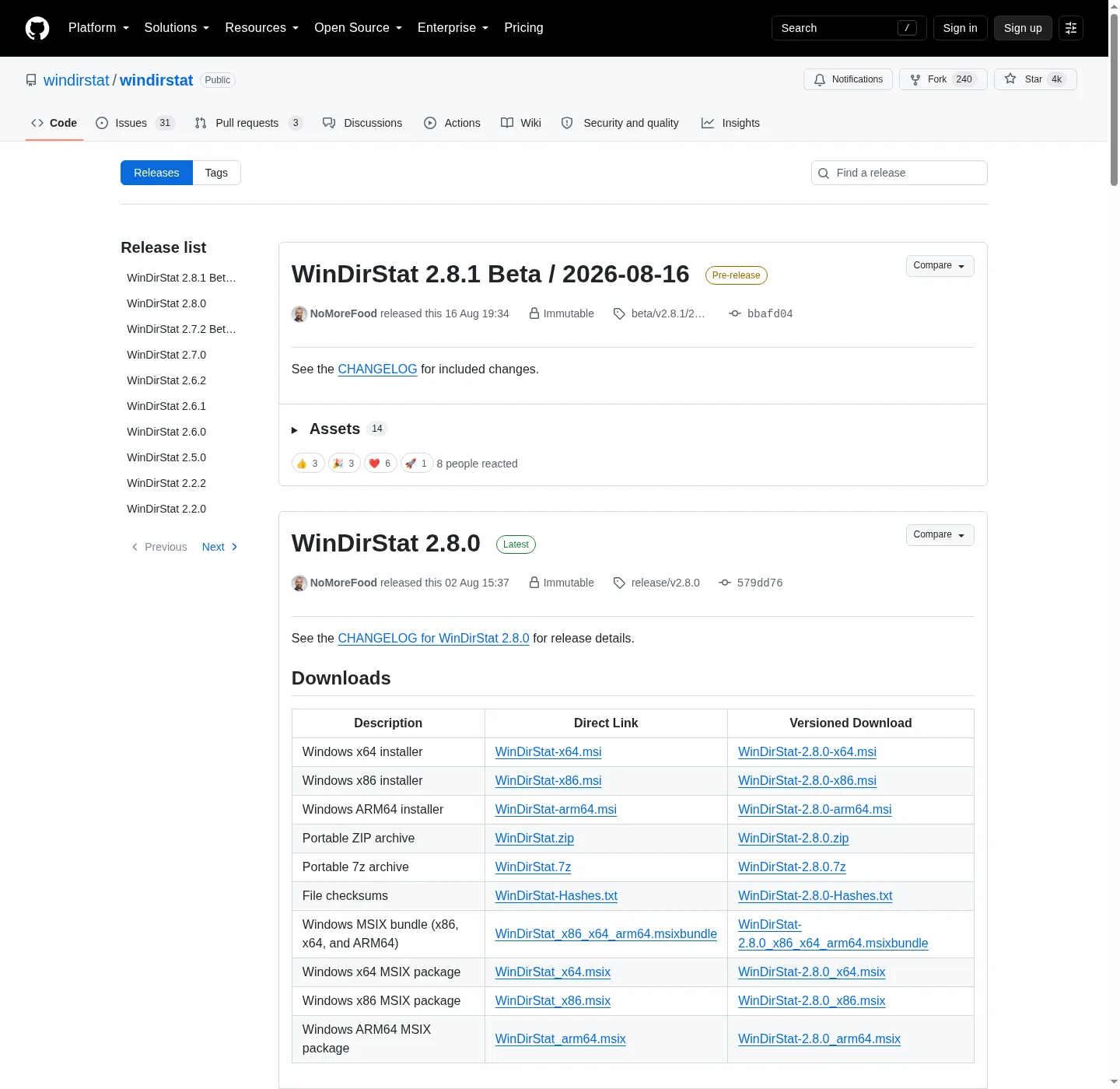
Yes. The winget manifest submitted for WinDirStat 2.9.0 records the same SHA-256 that GitHub publishes for WinDirStat-x64.msi, and the same is true for the ARM64 and x86 MSIs:
0a7d214586bb7c7fd030b8f2295bc7caa7f88a0cec094b196c803e2dba0d134d
winget downloads the file, hashes it and stops if the value differs, so a damaged or swapped download never runs. The release also carries WinDirStat-Hashes.txt, which lists SHA-256, SHA-1 and MD5 values for every file; its SHA-256 lines match the same digests.
Should I use winget, the Store, Chocolatey or Scoop for WinDirStat?
The README lists four package routes and recommends a package manager over a manual download because it makes updates easier. winget is built into current Windows and needs no extra tool. The Microsoft Store listing updates itself through the Store. choco install windirstat suits PCs already managed with Chocolatey, and scoop install extras/windirstat needs scoop bucket add extras first. Pick one route per PC: two routes means two copies and two update paths. Version 2.9.0 fixed winget upgrades of MSI installs on Windows set to a language other than English.
How do I remove WinDirStat installed with winget?
Run the uninstall command from the table, or remove it from Settings > Apps > Installed apps; both call the same MSI uninstaller. Your settings stay in the registry under HKEY_CURRENT_USER\Software\WinDirStat. If winget itself is missing, install winget first; if you want a copy that never touches Program Files, use the portable zip instead.
| Task | Command |
|---|---|
| Install | winget install -e --id WinDirStat.WinDirStat |
| Show package details | winget show -e --id WinDirStat.WinDirStat |
| Show the installed version | winget list -e --id WinDirStat.WinDirStat |
| Upgrade | winget upgrade -e --id WinDirStat.WinDirStat |
| Hold at the current version | winget pin add -e --id WinDirStat.WinDirStat |
| Uninstall | winget uninstall -e --id WinDirStat.WinDirStat |
Package id from the WinDirStat README and the WinDirStat.WinDirStat manifests; command syntax from Microsoft's winget documentation.
Frequently asked questions
Why does winget still offer the previous WinDirStat version?
Each WinDirStat release reaches winget as a separate pull request to Microsoft's winget-pkgs repository, which is reviewed after the GitHub release goes out. Until it merges, winget installs the version before it. Run the upgrade command again a few days later, or install the new MSI from GitHub over the top.
What do the --accept flags in the WinDirStat command do?
They answer winget's source and package agreement questions in advance, so the command never stops to wait for you to type Y. That is what lets the Run-box version finish and close by itself.