Short answer
To install WinDirStat on Windows 10 or 11, press Win+R, paste winget install -e --id WinDirStat.WinDirStat and press Enter, or run WinDirStat-x64.msi from the official GitHub release. It installs for all users in C:\Program Files\WinDirStat, adds a Start menu entry and, unless you untick it, a WinDirStat item on the folder right-click menu.
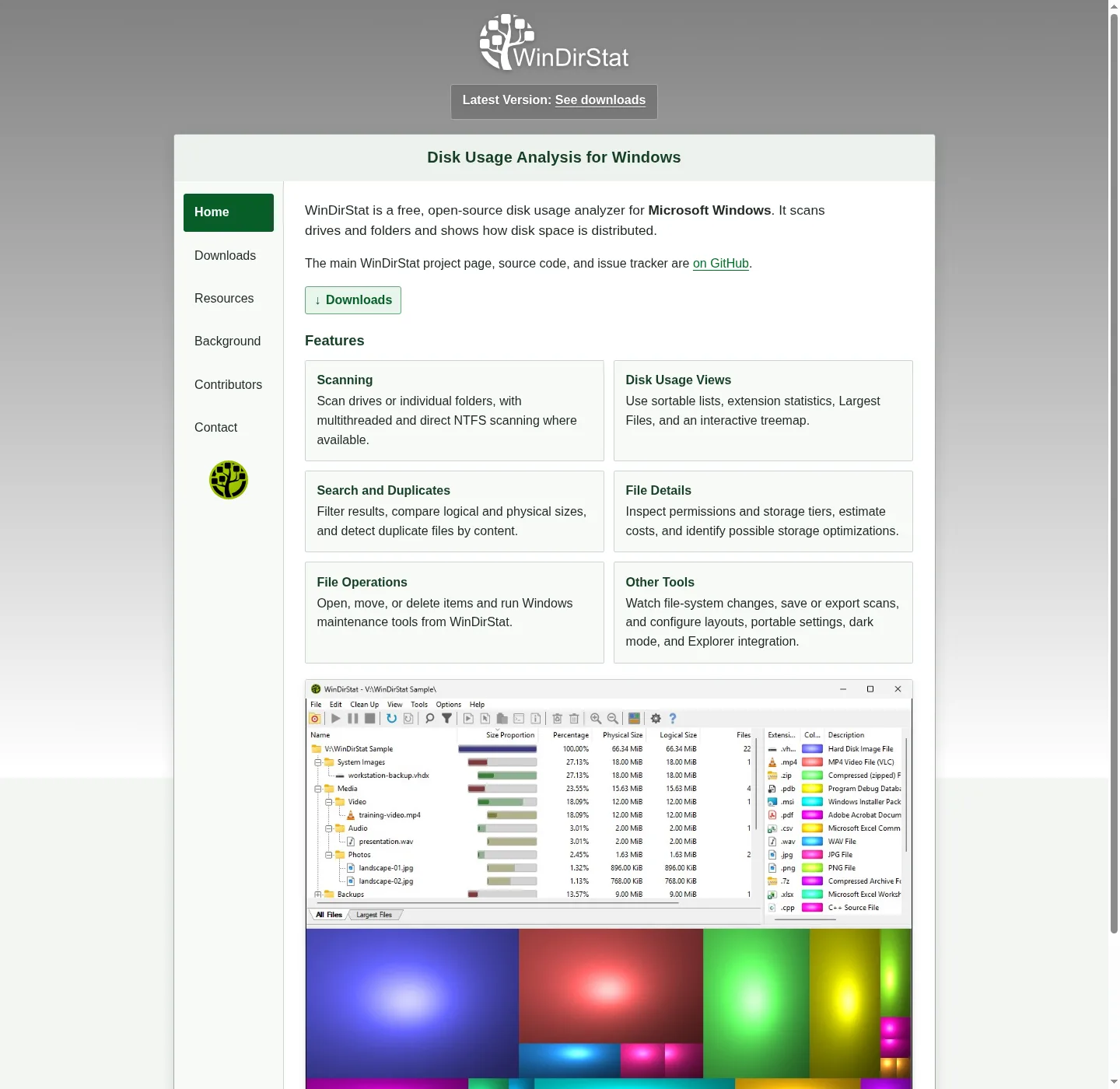
How do I install WinDirStat step by step?
- Copy the install command. Click Copy in the install box on this page to copy the winget command for WinDirStat.
- Open the Run box. Press Win+R.
- Paste and run it. Press Ctrl+V, then Enter. A console window opens, downloads the MSI from GitHub and installs it.
- Approve the prompt. Click Yes on the User Account Control prompt; the MSI installs per machine, so Windows asks once.
- Open WinDirStat. Type WinDirStat in Start and open it. It first asks whether to run with administrator rights; Yes makes whole-drive scans faster.
What does the WinDirStat installer ask?
The manual MSI shows the license, a folder page and then a page called Install Options with three check boxes. Create Classic Shell Context Menu Entry is ticked on a fresh install and adds a WinDirStat item when you right-click a folder or a drive in File Explorer. Create Desktop Shortcut and Add WinDirStat To System Path start unticked. On an upgrade, the installer keeps whatever you chose last time. The winget route runs the same MSI without these pages, so you get the defaults in the table.
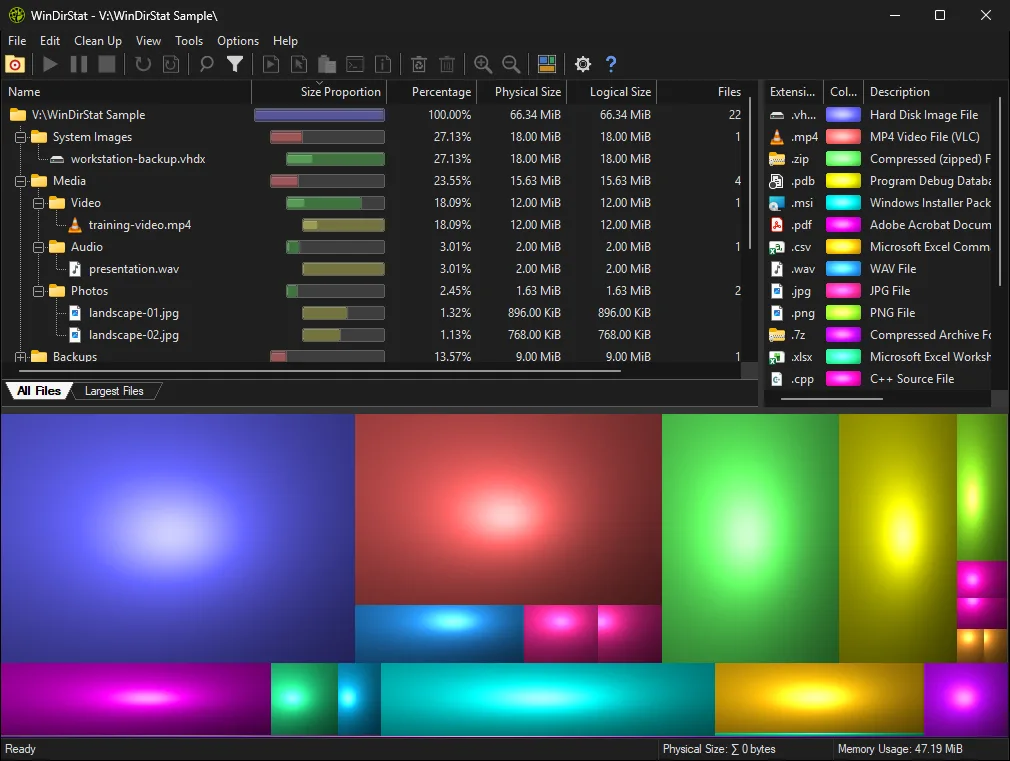
Why does WinDirStat ask to run as administrator?
The first time it starts, WinDirStat asks whether to run with elevated privileges “to enhance scanning speed and accuracy”. The reason is its accelerated scan: when you scan a whole drive with Use accelerated scanning ticked, it reads the NTFS master file table directly, and Windows allows that only to administrators. Without elevation the check box shows “inactive - elevation required” and WinDirStat walks the folders one by one, which is slower but works. Tick Do not show this message again if you never want the prompt. Direct MFT scanning arrived in version 2.5.0.
What do I need before installing WinDirStat?
Only a supported Windows version and a way to get the file. The app is a single native program: version 2.9.0 moved its interface from MFC to plain Win32, and it needs no .NET or browser runtime. winget comes with App Installer on current Windows 10 and 11; if the Run box says it cannot find winget, follow how to install winget first. If a company policy blocks both winget and the MSI, the portable zip runs without installing.
Where do WinDirStat settings go after install?
Settings live in the registry under HKEY_CURRENT_USER\Software\WinDirStat\WinDirStat, so each Windows user keeps their own column layout, treemap style and filters. The exception is portable mode: when a file called WinDirStat.ini sits next to WinDirStat.exe, settings go to that file instead. Removing WinDirStat from Settings > Apps > Installed apps deletes the program folder and the right-click entry; your registry settings stay until you click Reset All Preferences on the Advanced settings page or delete that key.
What should I do right after installing WinDirStat?
Scan one folder you know well before you point it at a whole drive, so you learn the tree, the file-type list and the treemap on data you recognize. In the Select Drives dialog choose Individual Folders, pick the folder, and click OK. Then read the treemap guide. If you installed from the MSI, keep updates on the same route; winget can upgrade it with one command. This guide was checked against WinDirStat 2.9.0.
| Item | Default | How to change it |
|---|---|---|
| Install folder | C:\Program Files\WinDirStat (x86: Program Files (x86)) | Change it on the folder page of the manual MSI setup |
| Scope | All users, needs administrator approval | Fixed; use the portable zip for a no-admin copy |
| Start menu entry | WinDirStat | Always created |
| Create Classic Shell Context Menu Entry | On for a new install | Untick it in Install Options, or later in Options > Settings > General |
| Create Desktop Shortcut | Off | Tick it in Install Options |
| Add WinDirStat To System Path | Off | Tick it to start windirstat from any terminal |
Defaults read from the installer definition setup/msi/WinDirStat.wxs and the English labels in lang_en.txt at the checked release tag.
Frequently asked questions
Does WinDirStat need administrator rights to install?
Yes for the MSI and the winget package: both install per machine into Program Files, so Windows shows a User Account Control prompt. If you cannot approve it, unpack the portable WinDirStat.zip into a folder you own and run it from there.
Which Windows versions does WinDirStat support?
The README lists Windows 7, 8, 8.1, 10 and 11, and Windows Server 2008 R2 through Server 2025. The team says it may run on other versions, but those are not supported.